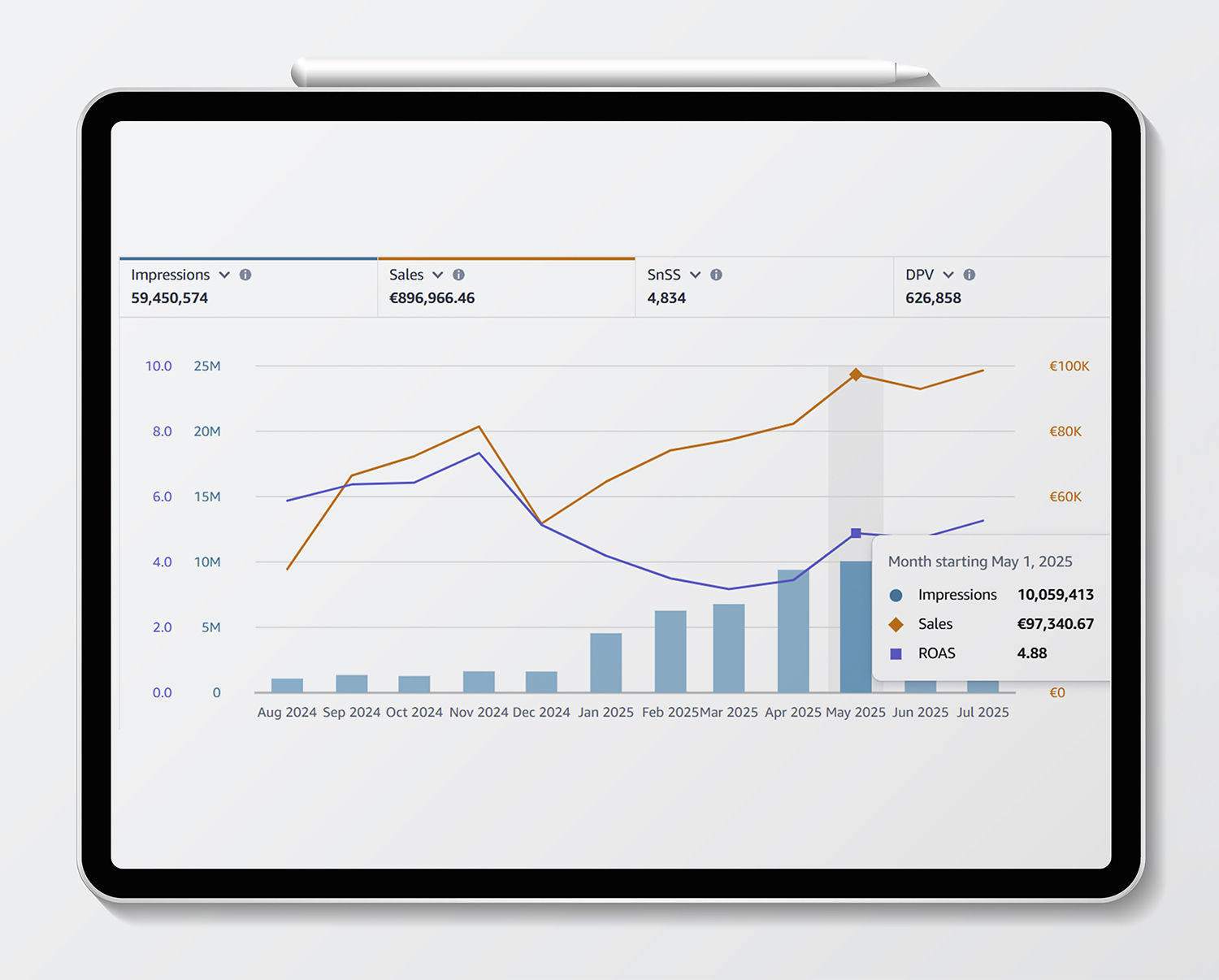
Advertising Metriken auf Amazon

Um erfolgreiche Werbekampagnen zu steuern und zu optimieren, ist ein tiefes Verständnis der relevanten Kampagnenmetriken unerlässlich.
In diesem Post geben wir einen Überblick über zentrale Kennzahlen wie ROAS, ACOS und Markenmetriken, erläutern deren Bedeutung und Optimierungsmöglichkeiten und zeigen, wo man im Kampagnenmanager Berichte herunterlädt.
Profitabilitäts-Metriken im Überblick
ROAS (Return on Advertising Spend)
ROAS misst den Werbeumsatz im Verhältnis zu den Werbekosten.
Formel: Umsatz / Werbekosten
Beispiel: Ein ROAS von 4 bedeutet, dass für jeden investierten Euro, 4 Euro Umsatz generiert wurden.
Ziel: Je höher, desto besser.
Unterscheidung: ROAS und Total ROAS (Total = Gesamtumsatz)
ACOS (Advertising Cost of Sales)
ACOS ist das Verhältnis von Werbekosten zu generiertem Werbeumsatz.
Formel: Werbekosten / Umsatz × 100
Beispiel: Ein ACOS von 25 % bedeutet, dass 25 % des Umsatzes in Werbung investiert wurden.
Ziel: Je nach Geschäftsmodell; in der Regel möglichst niedrig bei profitablem Umsatz.
Unterscheidung: ACoS und Total ACoS (Total = Gesamtumsatz)
Sales Contribution: Anteil der Werbeumsätze am Gesamtumsatz. Je nach Wachstumsphase oder strategischer Ausrichtung kann dieser Anteil höher oder geringer ausfallen. Ein allgemeiner Richtwert liegt zwischen 30%-50%. Diese Metrik wird nicht von Amazon bereitgestellt und muss manuell berechnet oder über Tools ausgegeben werden.
Brand Metrics / Brand Analytics
Diese geben Aufschluss über markenbezogene KPIs wie z. B.:
- Markensuche: Wie oft wird direkt nach der Marke gesucht?
- Wiederkaufrate: Wie viele Käufe stammen von wiederkehrenden Kunden?
- Markenpräferenz: Anteil der Käufer, die sich bewusst für Ihre Marke entscheiden.
- Ziel: Langfristiger Markenaufbau und Kundenbindung.
- Brand Metrics bzw. die Brand Analytics geben sehr hilfreiche und wertvolle Insights und sind Grundlage für datengetriebene Entscheidungen.
Zusammenhang zwischen Metriken und Geschäftszielen
Kampagnenmetriken müssen stets im Kontext der übergeordneten Unternehmensziele betrachtet werden, hier ein paar Beispiele:
- Wachstum: Fokus auf Reichweite, Impressionen, Klichs und neue Kunden (ggf. hoher ACOS bzw geringer ROAS tolerierbar)
- Profitabilität: Fokus auf niedrigen ACOS bzw. hohem ROAS, Klickpreise
- Markenstärkung: Fokus auf Brand Metrics wie Markenbekanntheit und Kundenbindung (Impressionen, Klicks, Klickrate..)
- Produktlaunch: Fokus auf hohe Sichtbarkeit und Traffic – auch bei kurzfristig niedriger Profitabilität
Mögliche Optimierung der Metriken
- Hoher ACOS
- Budgetverteilung auf beworbene ASINs prüfen
- CPC prüfen und Gebote senken
- Conversionrate durch bessere Produktseiten steigern
- Kostenfresser in Kampagnen identifizieren
- Low Hanging Fruits identifizieren und pushen
- unprofitable Keywords ausschließen
- Gebotsstrategie optimieren
- Brand Metriken verbessern
- Brand-Kampagnen verstärken: Aufbau von Eigenmarkenschutz Kampagnen (Defensive Kampagnen)
- Kundenbindung durch attraktive Angebote erhöhen (Brand Tailored Promotions, Bundles, Spar-Abo…)
- Awareness durch Sponsored Brands steigern → Brand Store
Berichte im Campaign Manager herunterladen
Schritt-für-Schritt-Anleitung:
- Kampagnen Manager öffnen (Werbung > <Kampagnen verwalten)
- Berichte aufrufen: Menü Messung & Berichte > Berichte zu gesponsorten Anzeigen
- Berichtstyp wählen: Wählen Sie z. B. „Sponsored Products“, „Kampagnenleistung“ oder „Suchbegriffsbericht“.
- Zeitraum und Granularität festlegen: Beispiel: Letzte 30 Tage, Tages- oder Kampagnenebene.
- Bericht generieren und herunterladen: Der Bericht wird meist im CSV- oder Excel-Format erstellt.
#anzeige #ECommerceStrategy #FullServiceAmazonAgentur #PerformanceMarketing #AmazonMarketing #amazontips
Lassen Sie uns sprechen.